Optimus support
Find answers, fix issues and get back to effortless energy management.
New to Optimus?

FAQs
Select 'Forgot password' on the login page and follow the steps. If you’re still stuck, contact Support and we’ll help you reset it.
Admin users can manage access in the 'User Management' section of Optimus. If you don’t have access, speak to your platform admin.
You’ll still have access to Optimus for up to three months after your contract ends. Your historical data remains available for up to four years after supply ends.
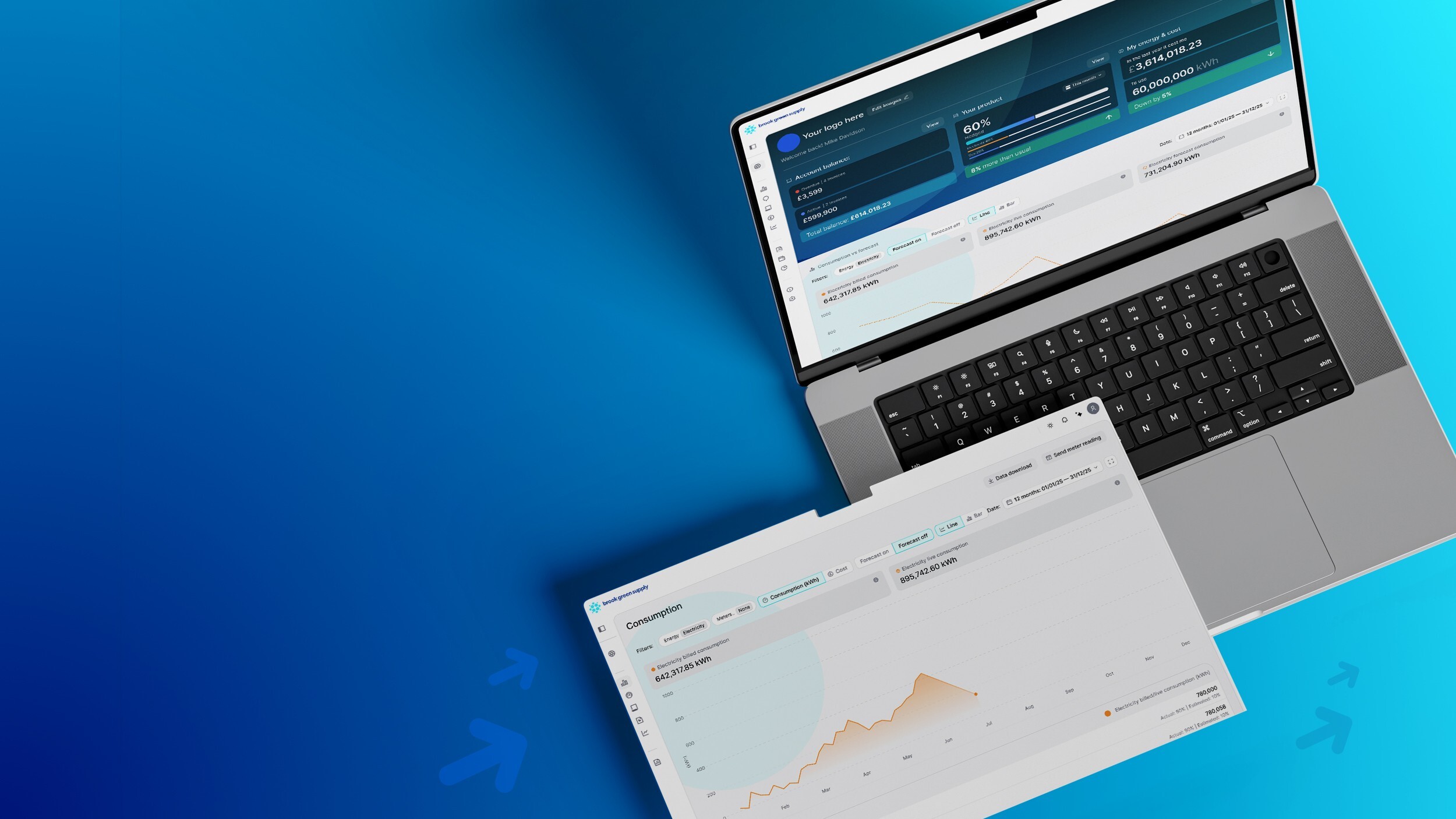
You can download consumption data in CSV format from Optimus. EDI access isn’t available yet, but you can request it through Support.
Try adjusting your filters (date range, account or energy type) to see if it’s hidden. If it still doesn’t appear, contact Support and we’ll help you find it.
Payments aren’t currently available in Optimus. Please continue using your usual payment method detailed in your supply contract.
Gaps or zero values usually mean a meter reading is missing, or there was no recorded usage during that period.
Gas data may be shown as daily or aggregated usage, depending on your meter type and the availability of data.
Yes – you can submit meter reads from the 'Energy Lens' or the 'Meter Points' page in Optimus. Follow the on-screen steps to complete your submission.
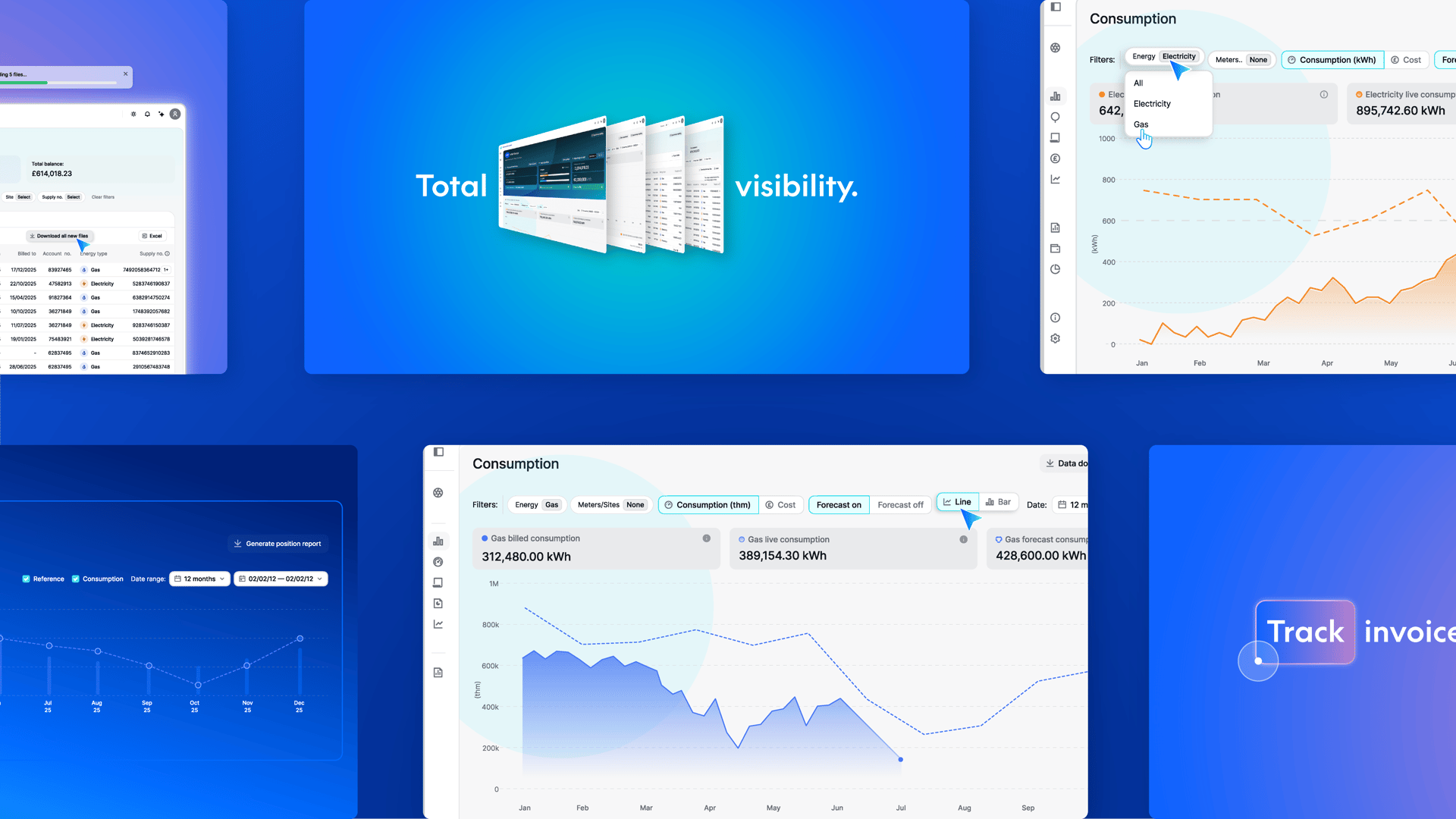
Go to the 'Invoices' page and use the download option to export your files.

Looking to track energy usage in real time?
This is for you.
Our API lets you retrieve live consumption data, meter reads, and more. Pull exactly what you need – from half-hourly meter reads to site-level usage – whenever you need it.

Insights hub