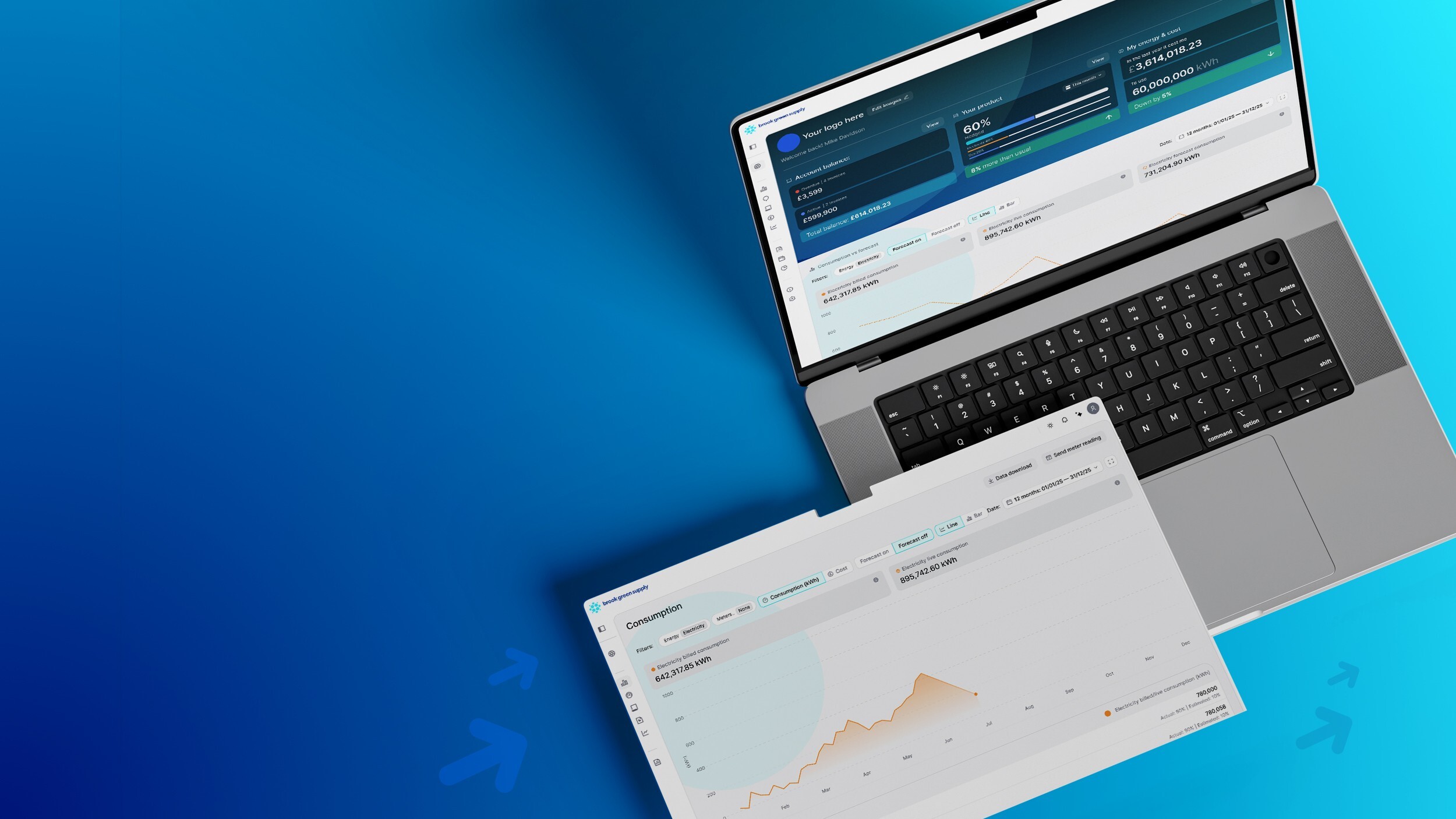
A laptop screen showing energy data.

Intelligent energy starts with our Portal.

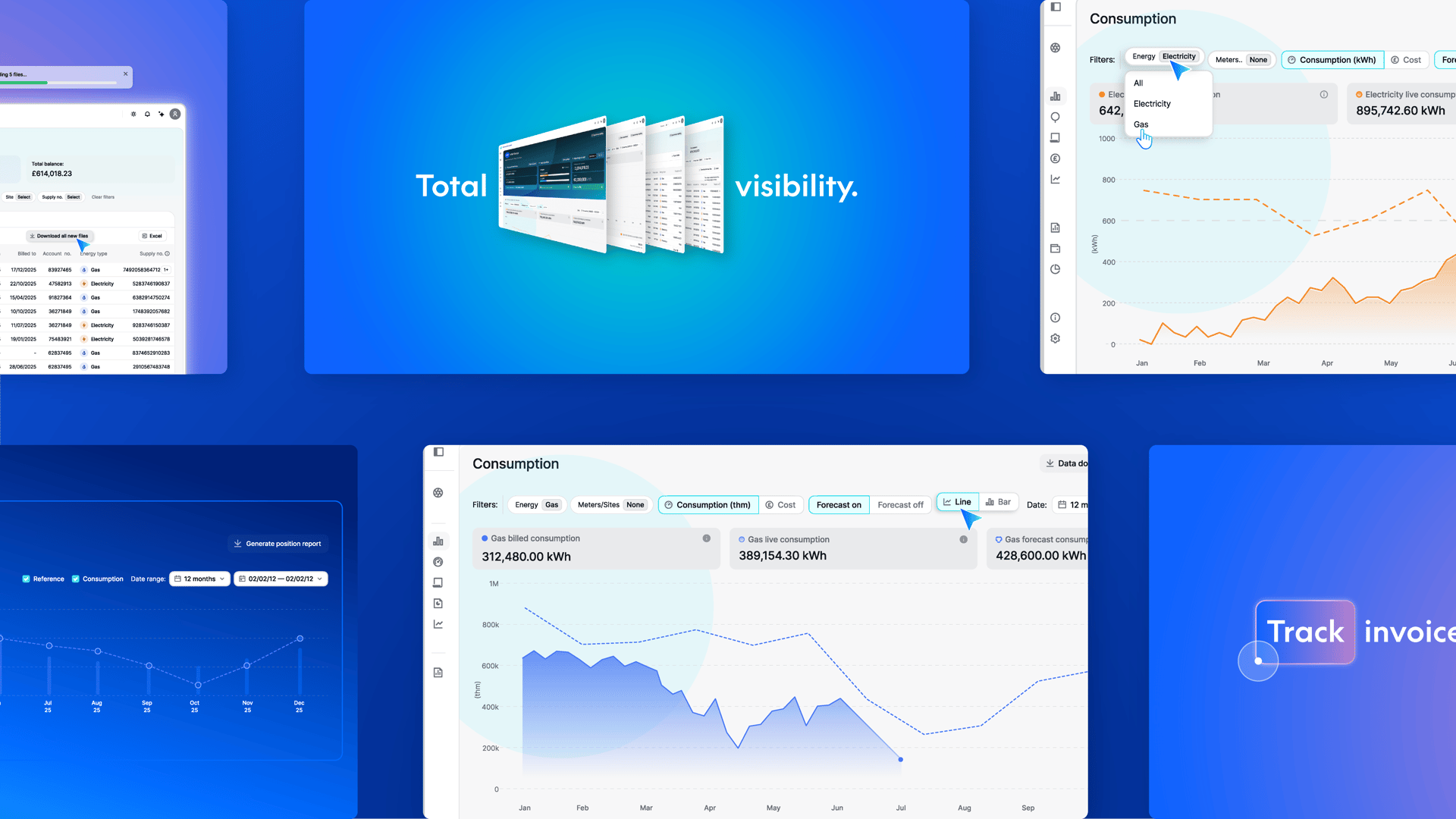
Track consumption, view invoices, and download data – all in one intuitive platform.

At a glance

For businesses managing multiple sites and rising energy demands, the importance of being able to drive efficiencies, track and control spend, and spot consumption trends has never been greater. Our Portal gives you a clear, centralised view of your energy – helping you stay on top of your data with ease.

A smart tool for effortless energy management

Our Portal is designed to make the management of energy simple and actionable, enabling you to:
Icon
View consumption data across all your meter points
Icon
Download invoices with ease
Icon
Compare usage across multiple sites
Background Circle Pattern
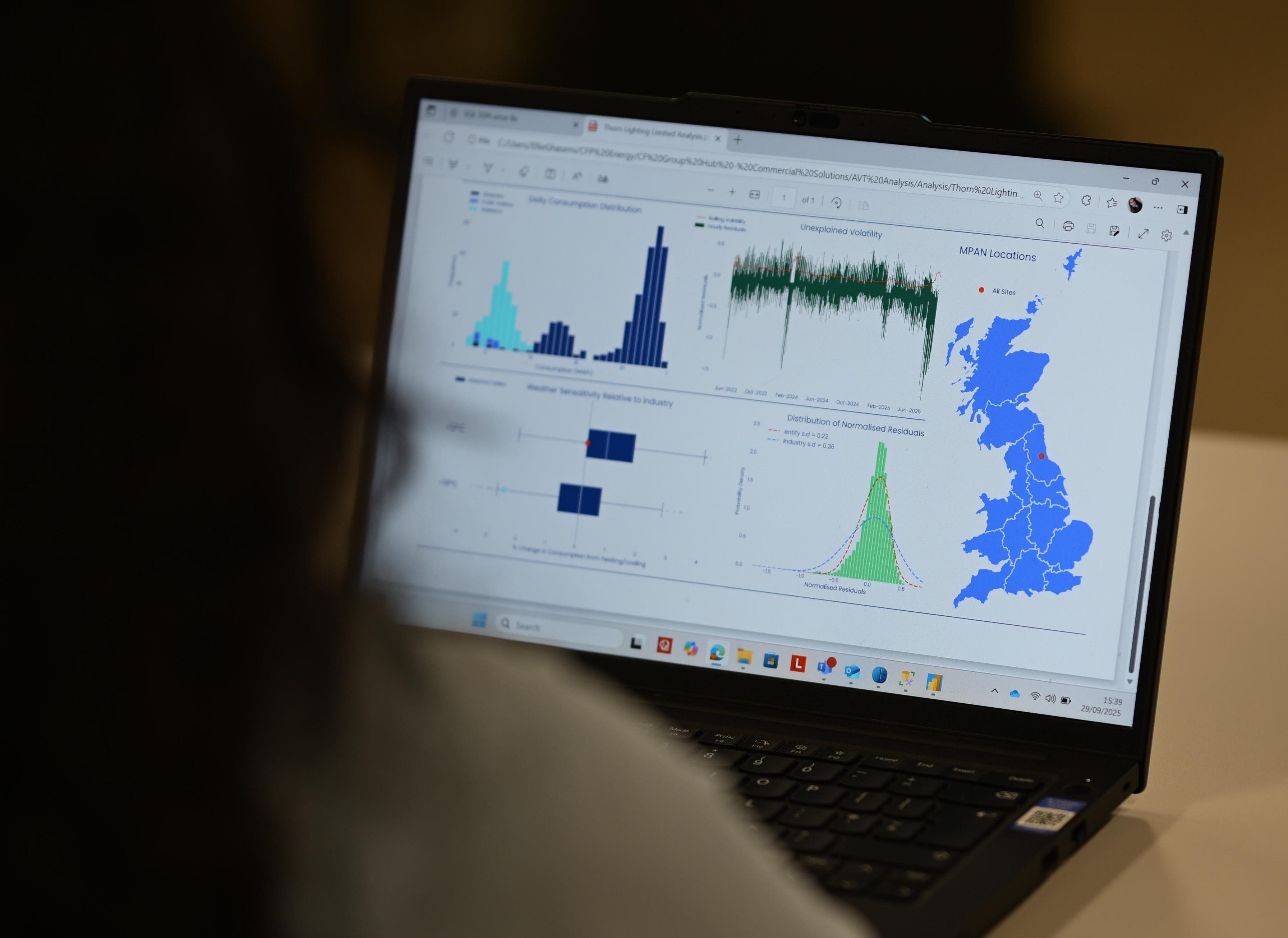
A person looks at a laptop screen showing energy data.

Looking to track energy usage in real time?
This is for you.


Our API lets you retrieve live consumption data, meter reads, and more. Pull exactly what you need – from half-hourly meter reads to site-level usage – whenever you need it.

FAQs

Not signed up yet? You can register here. Complete the form, and our support team will process it within 10 working days. If you’re a nominated agent, be ready to upload a Letter of Authority.

Currently, you can access and export invoices and credit notes, but not statements of the account. 


For brokers: After logging in, search and select the customer’s name. Go to the overhead tab, click ‘Invoices/Credit notes,’ then download individual files or select multiple and hit ‘Download PDFs.’


For customers: Head to the overhead tab, click ‘Invoices/Credit notes,’ and download invoices individually or in bulk as PDFs.

Payments aren’t handled through the Portal because your payment method was set when your organisation’s contract was signed. If you have questions or need help, just let us know!
Log in, click the drop-down arrow, select ‘Profile,’ and update your password. Forgotten it? Click ‘Forgotten password’ on the login screen, enter your email, and we’ll send you a reset link.
Yes – you’ll still have access to your invoices and data online.
Get in touch with our support team or reach out to your Customer Relationship Manager.
Get in touch with our support team or get in touch with your Customer Relationship Manager.
Get in touch with our support team or contact your Customer Relationship Manager.
Get in touch with our support team or reach out to your Customer Relationship Manager.
Background Pattern

Ready to get started?

Request access – or log in if you're already a user.

Energy news straight to your inbox